Scan Table QR
Each table can have its own QR code so the table is identified automatically.
QR Menu & Table Ordering for Restaurants
Give every table its own digital ordering experience. Guests scan a QR code, browse your live menu, add items to their cart and place orders directly from their phone — without downloading an app.
Orders can flow into your restaurant operations while your team manages menus, kitchen activity, guest requests and sales from one system.
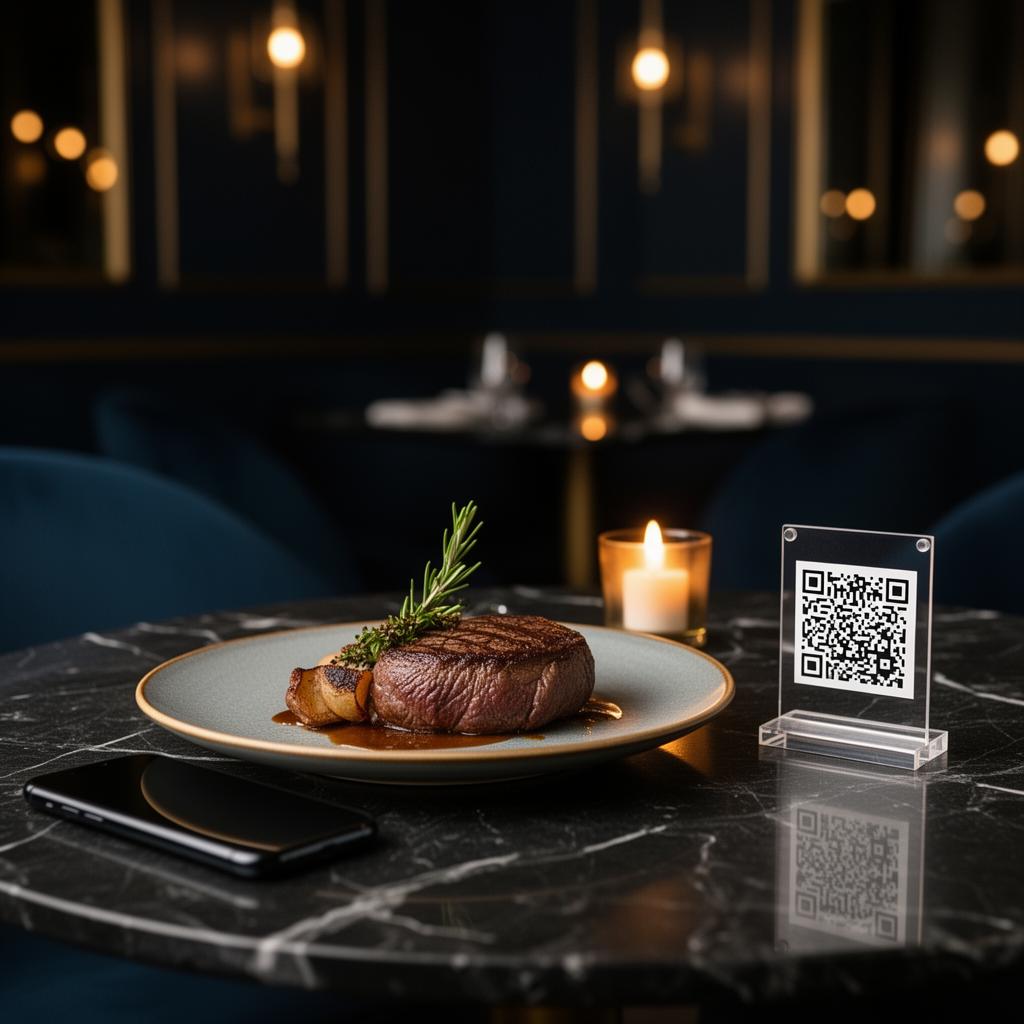
Table-wise ordering
Scan, browse and order
How It Works
Each table can have its own QR code so the table is identified automatically.
Guests see menu categories, dish information, images, prices and availability on their phone.
Customers choose items and quantities before reviewing their order.
The order is submitted with the relevant table information.
Orders can be managed through the restaurant workflow and Kitchen Display System.
Restaurant staff can manage orders and view operational and sales information from the dashboard.
Core Features
Individual QR experiences can identify the guest's restaurant table.
Display categories, dishes, descriptions, prices, food images and Veg/Non-Veg information.
Guests can add multiple items, adjust quantities and review their cart before ordering.
Kitchen teams can receive and manage incoming orders through a dedicated KDS workflow.
Guests can request staff assistance directly from their table.
Support secure online payment options including UPI, cards and other methods available through Razorpay, subject to merchant configuration.
Restaurants can also offer offline payment flows where configured.
View and manage incoming orders and their status.
Update dishes, prices, photos and availability without reprinting physical menus.
View restaurant order and sales information through the management dashboard.
WhatsApp can be used as part of restaurant communication and ordering workflows where configured.
Support restaurant reservation functionality where enabled.
Beyond a PDF Menu
A modern QR menu can do much more than display a PDF. Firangi Babu allows restaurants to turn the menu into an interactive guest ordering experience.
Change menu information digitally whenever required.
Guests who prefer self-ordering can place their initial order directly.
Table-wise QR codes help associate digital orders with the correct table.
Ordering, kitchen workflow, guest requests and restaurant management can work together.
No App Required
Firangi Babu works through the guest's mobile browser. They scan the QR code using their phone camera, open the menu and begin ordering.
Scan QR
Menu Opens
Order
Restaurant Operations
Firangi Babu supports both the customer-facing restaurant experience and the configured workflows your team uses behind it.
Manage menu and restaurant operations.
View incoming food orders and update their progress.
See table information, order items and order status.
Review restaurant order and sales activity.
Capture permitted customer information through configured ordering or authentication flows.
Available features and workflows depend on each restaurant's configured setup.
Firangi Babu can explore integration with compatible restaurant POS platforms where APIs and required access are available. Integration feasibility depends on the restaurant's existing provider and technical requirements.
Restaurant Formats
Questions & Answers
A restaurant QR menu is a mobile-friendly digital menu that guests open by scanning a QR code. With Firangi Babu, restaurants can also enable ordering and other guest-service functionality instead of using the QR only to display a static menu.
No. Guests can access the Firangi Babu restaurant experience through their mobile browser after scanning the QR code.
Yes. Firangi Babu can use table-wise QR codes so the relevant table is identified when a guest opens the ordering experience.
Yes. Menu information such as dishes, prices, images and availability can be managed digitally without reprinting the physical menu.
Online payments can be supported through Razorpay when payment functionality is configured for the restaurant. Available payment methods depend on the merchant's Razorpay setup.
Yes. Restaurant workflows can include a Kitchen Display System for managing incoming food orders and order status.
Integration with compatible POS systems can be explored where the POS provider offers the required APIs and access. Compatibility should be confirmed for each restaurant's existing system.
Yes. Firangi Babu can provide a Call Waiter option so guests can request staff assistance from their table.
See how Firangi Babu can work with your restaurant's tables, menu and ordering workflow.
firangibabu115@gmail.com